Goodbye to the scanner gun nobody can find
Traditional scanners are expensive, get lost, run out of battery at the worst moment and there are always fewer of them than people. And when one breaks, it's off to repair and you wait.
Pla Logistic uses the camera of the phone or tablet you already have. Point it at the barcode or QR code and the app recognises it right away, even in a dim back room or with slightly crumpled packaging.
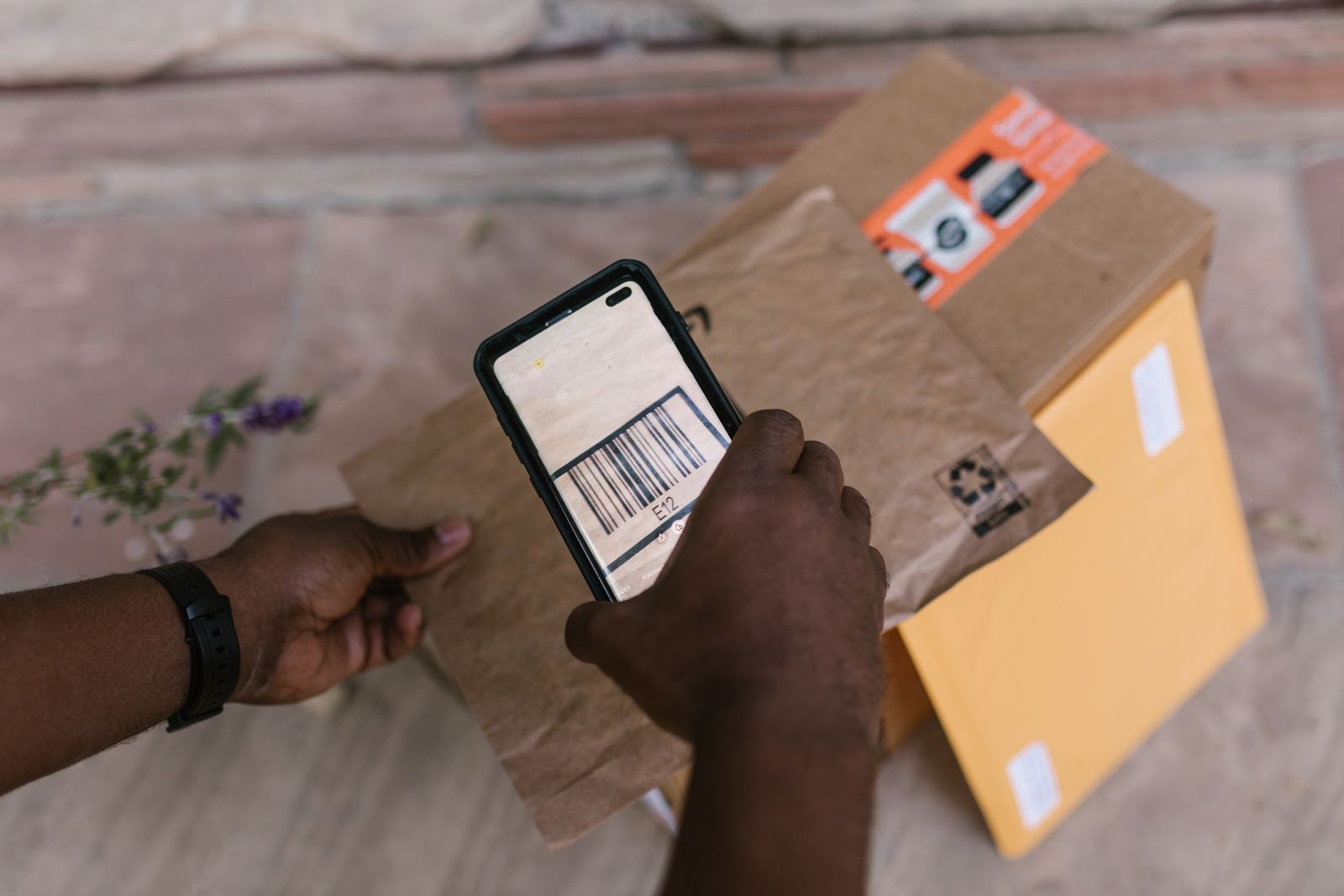
The best barcode scanner is the one already in your pocket.
Dedicated scanner vs. phone
Dedicated scanner
- One more device to buy, charge and store
- There are always fewer scanners than people
- If it breaks, you wait for the repair
- It only scans: to see stock, you need another screen
Your phone with Pla
- You use the one already in your pocket
- Everyone on the team can scan
- If you change phones, you sign in and carry on
- You scan and see the stock on the same screen
What you can do by scanning
Scanning isn't just searching. From the barcode you go straight to what you need to do:
- Find a product and see its stock in each zone of the store
- Add a new product with its barcode already filled in
- Count what arrives when receiving an order, product by product
- Remove stock with a reason, or move it between zones, without searching through lists
One order, start to finish
To show you how the day-to-day changes, here's how an order is received by scanning with your phone:
- 09:00
The supplier arrives. The task to receive the order is already assigned, so whoever has it opens the order on their phone.
- 09:05
They start unloading and scan each box. The app adds up what's been counted and compares it with what was ordered.
- 09:20
Six bottles of oil are missing. Pla Logistic flags it on the order so it's easy to see and creates a recount task for later.
- 09:25
Order received. The back room stock is already updated and the whole team sees it straight away, with nothing passed on by hand.
Receive an order without paperwork
When the supplier arrives, you open the order and scan what you unload. Pla Logistic compares what you count with what was ordered and tells you if anything is missing or extra. If it doesn't add up, it creates a task to recount later.
No more writing on the delivery note with a pen and typing it in afterwards. And no more classic "I think someone already counted this".

Tips for scanning faster
- Find some light: you don't need much, but a completely dark corner makes it hard
- Hold the phone a bit back: at around 15 or 20 centimetres the whole code fits in the camera
- If the code is creased or wet, try the one on another side of the box
- Use the QR code when there is one: it reads even with the pack at an angle
Catalogs that build themselves
If you import your catalog, you can use the barcode as the SKU and skip making up references. Anything missing, you scan the first day it passes through your hands and it's added for good.
Questions about scanning
Which codes can I scan?
Product barcodes (like the EANs almost every pack carries) and QR codes.
Do I need to install anything?
No. You can scan from your phone's browser, and if your team uses Android you also have the app.
Does it work on any phone?
On any phone or tablet with a camera. The first time it will ask your permission to use it.
What if the product isn't in the system?
When you scan a code it doesn't know, Pla Logistic offers to create the new product with that code already filled in.