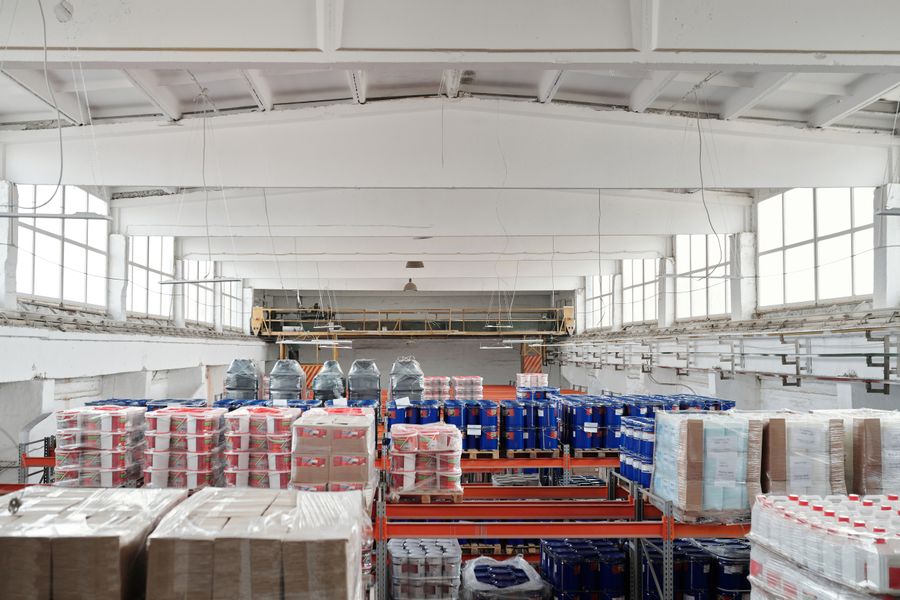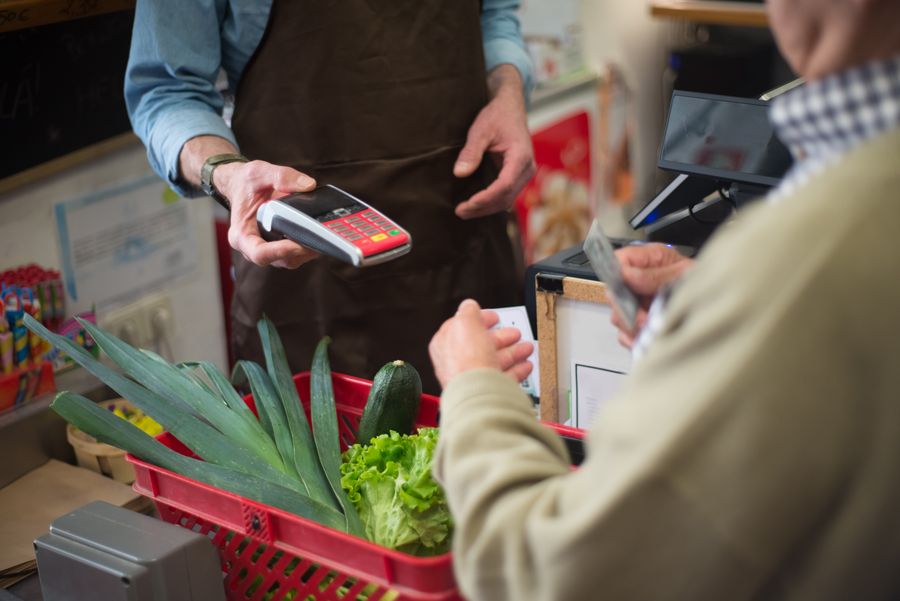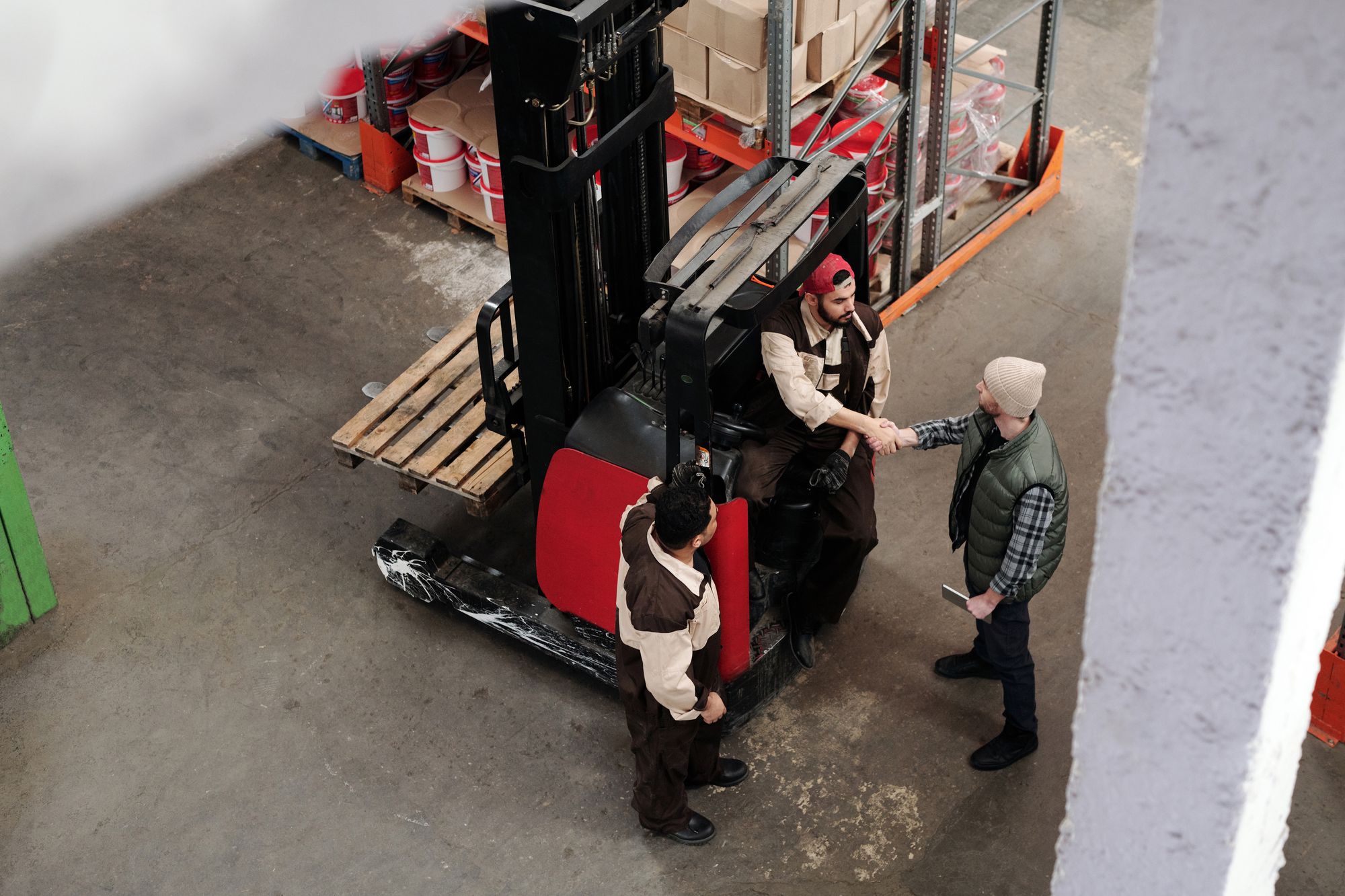
A supermarket isn't one person
Whoever picks the plan, whoever runs a store, whoever restocks the shelf and whoever delivers orders need very different things. If everyone sees the same, the person restocking gets swamped with reports and the manager can't find what matters among hundreds of tasks.
And store work is, above all, task work. A Wharton study on grocery jobs puts it this way: a store associate's job is virtually all tasks, from checkout to restocking and facing the shelves.
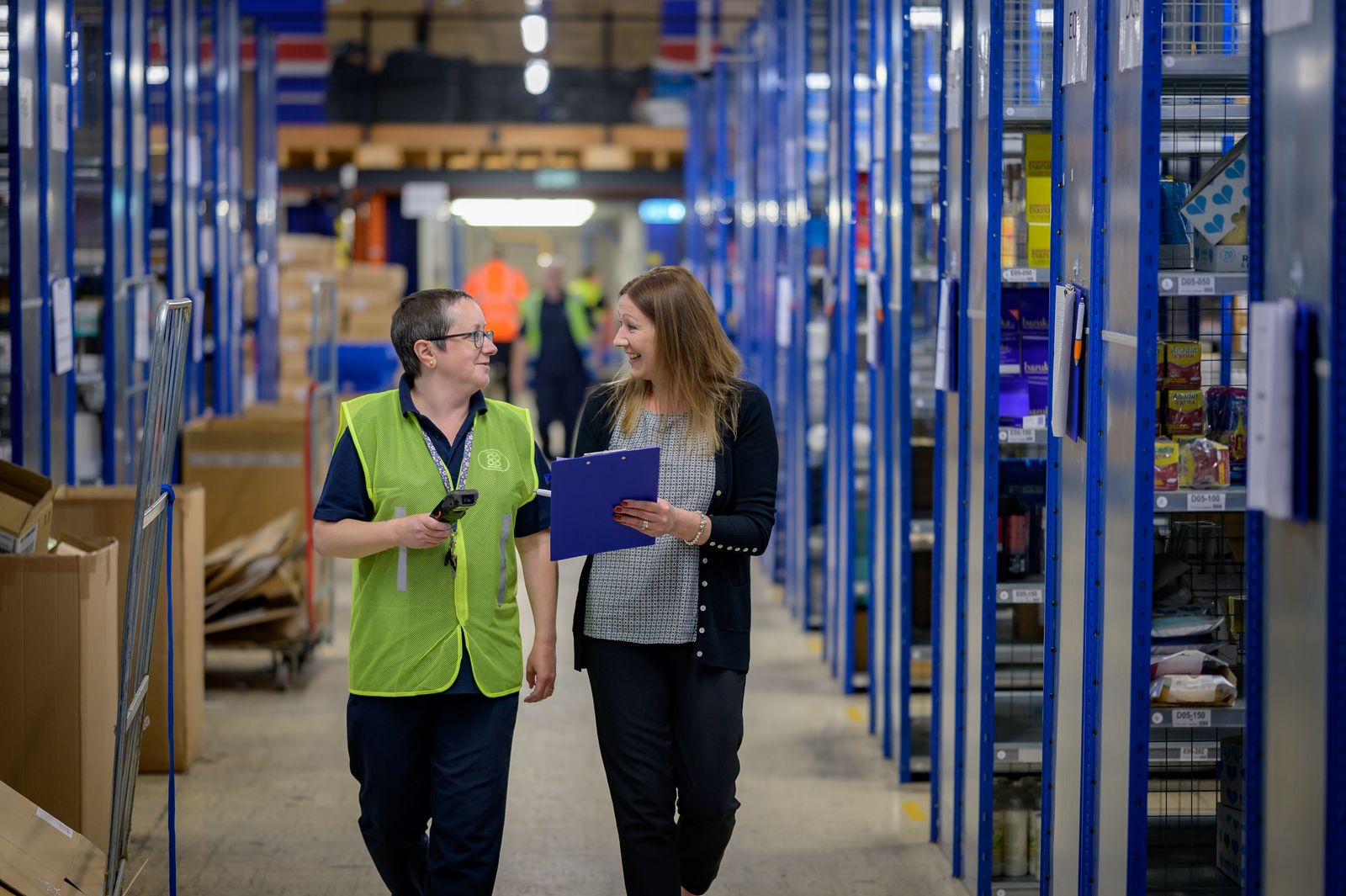
Owner: the full picture
The owner can do everything: create locations, manage the plan and billing, invite other owners and, if it's ever needed, delete the organization. It's the role of whoever answers for the whole business.
Manager: the store in their hands
The manager runs their locations or all of them: products, stock, orders, minimums and maximums, zones, task routing, reports and team. With all locations, they also configure the organization.
They decide how their store works: which zones there are, who gets each kind of task and when it's time to order.
Every store has its own way of working. The manager sets it in Pla Logistic, and the app follows it.
Operator and driver: the daily work

- Operator: store and back-room staff. They receive and complete restock, receiving and recount tasks, scan products, remove stock with a reason and move it between zones
- Driver: sees their locations' orders to plan deliveries. They don't receive tasks, so their screen stays clean
No roles vs. roles
Everyone sees everything
- Screens full of things that aren't yours
- Alerts nobody knows are for them
- Permissions set by hand, one by one
- Fear of touching something you shouldn't
Everyone gets their own
- Each person sees their work as soon as they sign in
- Tasks go straight to whoever does them
- One role and some locations, and that's it
- Nobody can break what isn't theirs
Just another Saturday, with roles
Here's how the work gets shared out in a shop with roles set up properly. Everyone opens the app and sees their own stuff, with nobody having to coordinate anything by shouting:
- 08:00
Luis, an operator, opens the app and sees three tasks: receive the drinks order, restock the tinned goods aisle and recount the olive oil. No reports, no settings: just his work.
- 09:30
Carmen, the shop manager, checks the minimums on the fresh produce shelf because on Saturdays it empties sooner. She adjusts them in a moment and the restock tasks adapt on their own.
- 11:00
Ana, a driver, checks the orders for her location to plan the day's deliveries. She doesn't get restock tasks because they're not hers.
- 19:00
The owner takes a general look from home: how all the shops did, what's been left pending and whether anything needs her attention on Monday.
Invite your team in a minute
From the organization settings you invite each person with their role and locations. They get an email, sign in and see their work straight away. If they later move stores or take on more, you change their role and everything adjusts on its own.
Common mistakes when assigning roles
After watching quite a few shops start with Pla Logistic, these are the most common slip-ups (and how to avoid them):
- Making everyone a manager "just in case": in the end nobody knows who decides and everyone gets alerts that aren't theirs
- Leaving a shop without a manager: low-stock alerts end up with the owner, who usually isn't there to act on them
- Giving access to every location to someone who only works in one: more screens, more noise, more confusion
- Not reviewing roles when someone changes job: it takes a minute and saves you a mess
Questions about roles
Can one person work in several shops?
Yes. When you invite them, you choose their locations. A manager can run one shop, several or all of them.
Can there be more than one owner?
Yes. An owner can invite and manage other owners, for example if the business has several partners.
Can I change someone's role later?
Of course. Change their role or locations from settings and everything they see adjusts straight away.
Can the driver touch the stock?
No. The driver sees the orders for their locations to organise deliveries, but doesn't get tasks or change stock.