The problem isn't how much you have, it's where
Knowing you have 40 units of a product doesn't help much if nobody knows where they are. And here's the funny part: they're almost always there, just somewhere else. On the mezzanine, at the back of the cold room, behind another pallet.
On top of that, what the system says and what's really there almost never match. When researchers checked hundreds of thousands of inventory records in stores, this is what they found:
65%
of inventory records didn't match what was actually in the store
DeHoratius and Raman (2008)
25%
of stockouts are caused by poor shelf management
FMI, GMA and CIES (2002)
Think in routes, not shelves
A zone is a place someone has to walk to in order to fetch something. If restocking milk means going to the cold room and then aisle 3, those are your two zones. There's no need to draw every shelf or slot.
A trick that works: imagine asking someone new to bring a product. Which places would you have to name? Each of those places is a zone.
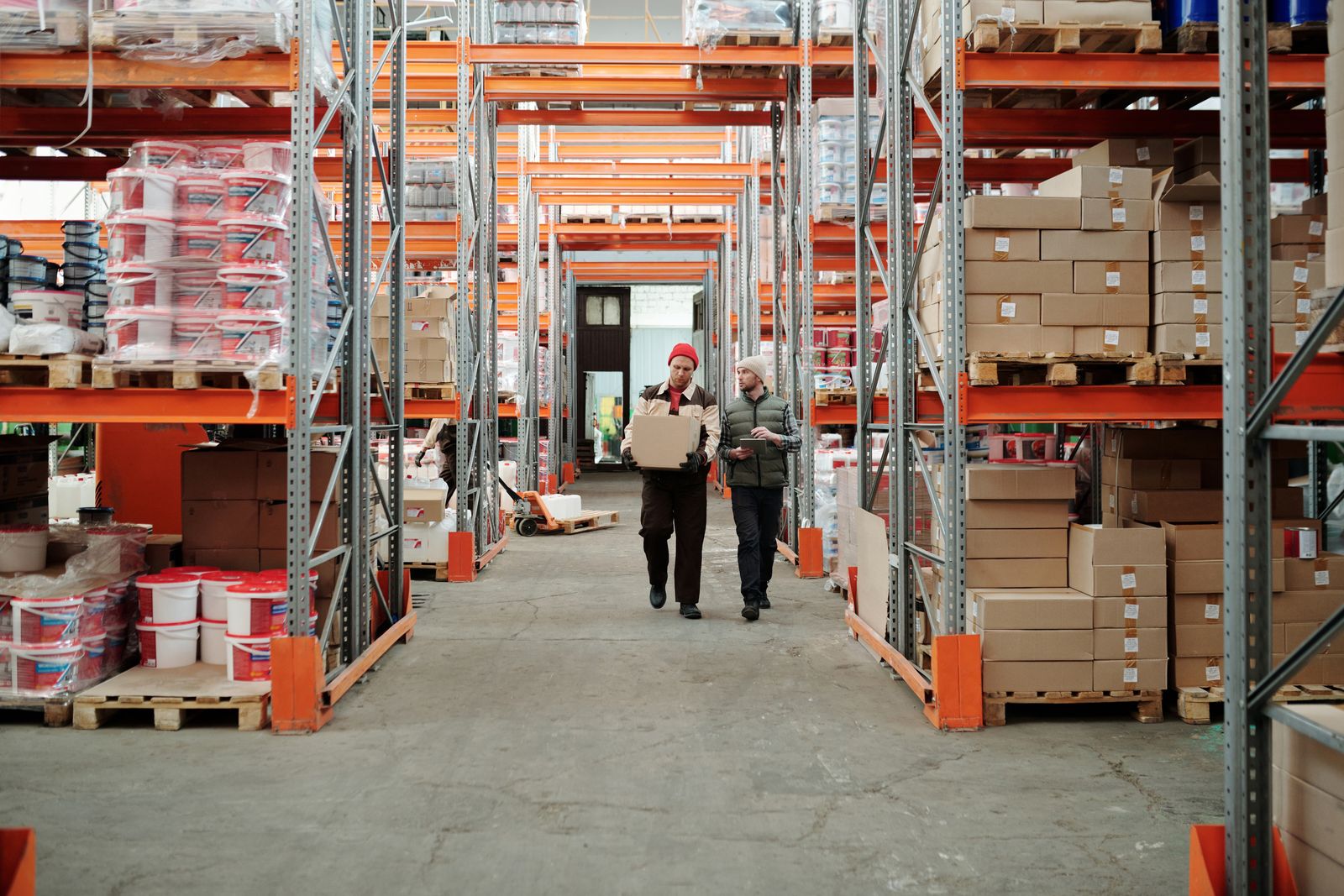
A zone is a place you walk to, not a shelf on a floor plan.
A structure that almost always works
Most stores end up with something like this. Adapt it to your space, but it's a good starting point:
- Back room: what arrives from suppliers and isn't on sale yet
- Cold room: chilled and frozen, with their own minimums because they run out sooner
- Shelf: what customers see, split by aisle if the store is large
- Waste or returns: what has come off sale and is waiting to be handled
A real case: a neighbourhood shop
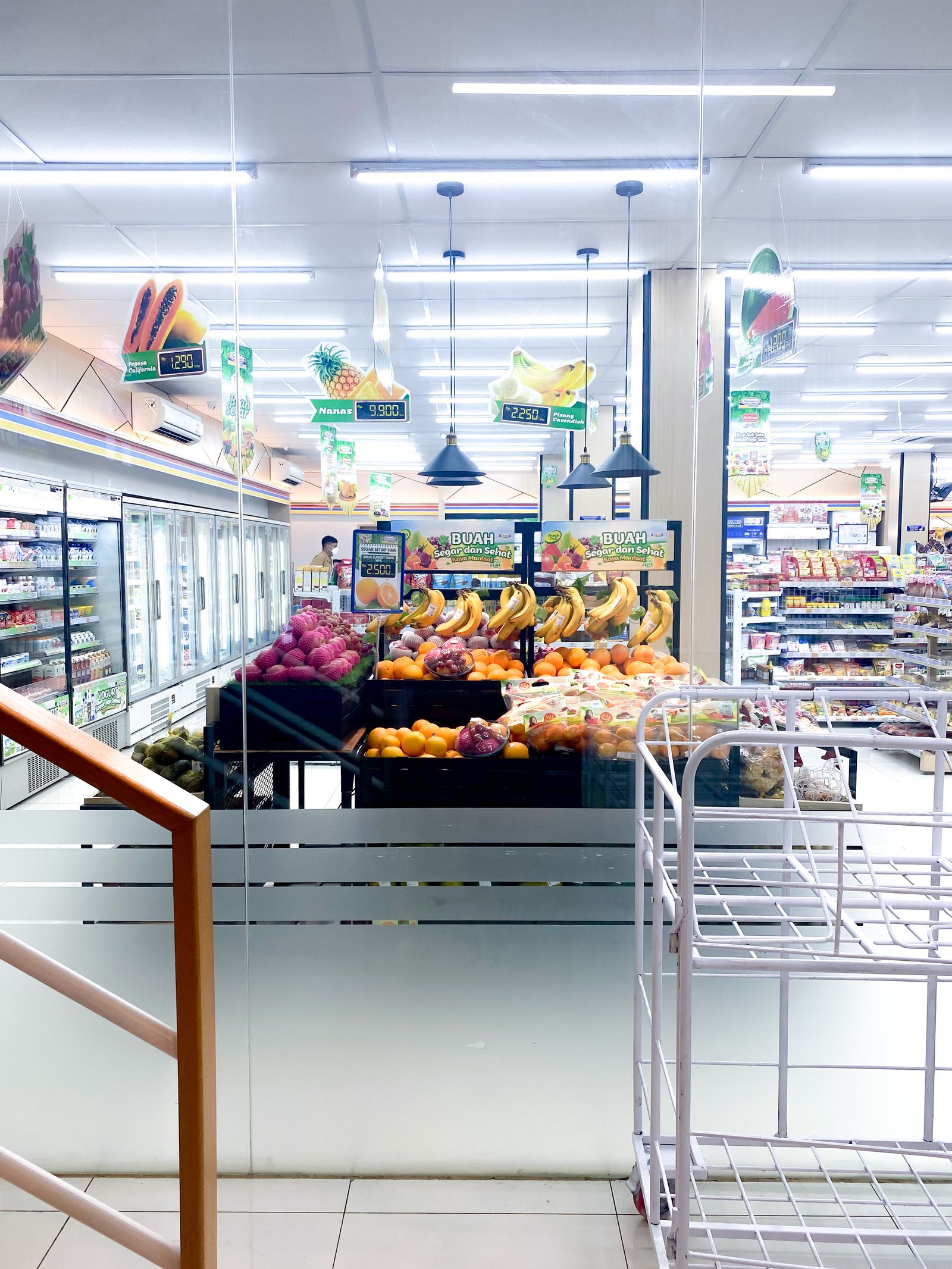
Picture a shop of about 400 square metres with a small back room at the rear and a cold room. Before Pla Logistic, stock was "whatever is in the shop", all lumped together. When the milk shelf emptied, someone had to go and check whether there was any in the back room, in the cold room or nowhere.
With four zones (back room, cold room, aisle shelves and fresh shelf) everything changed. Now, when the milk shelf drops below its minimum, the task says exactly "take 24 units from the back room to aisle 2". And if the back room has none left, the order suggestion already takes that into account.
They didn't need forty zones or a detailed floor plan. Four well-chosen zones were enough for the team to stop running in circles.
Minimums per zone, not just per store
A product can have plenty of stock in the back room and be empty on the shelf. For the customer, that's the same as not having it. That's why in Pla Logistic minimums are set per zone: when the shelf drops below its minimum, a task to restock it from the back room is created even though the store has stock.
That way nobody finds a gap you actually had ten metres away.
Before and after sorting out zones
No zones
- "Where is this?" ten times a day
- The stock exists, but nobody can find it
- The shelf empties even when the back room is full
With zones
- Every task says where to take from and where to bring
- You know how much is in each place, not just in total
- Restocking kicks in on its own when the shelf drops
Let the tasks do the rest
With zones in place, every restock task says where to take the product from and where to bring it. Your team stops asking and restocking takes less time. That's the logistics of the future too: fewer walks, fuller shelves.
How to set it up in Pla Logistic, step by step
- Go to the organization settings and open the location you want to sort out
- Create zones with names your team actually uses: "Back room", "Cold room", "Aisle 2"... no weird codes
- Assign each product's stock to the zone where it really is. If a product is in two places, split it between the two zones
- Set shelf minimums for your fastest-moving products. With that, restock tasks start appearing on their own
- Give it a week to settle in and adjust: if a zone is too big, split it; if nobody uses it, remove it
Questions about zones
How many zones should I have?
As few as work for you. Most shops do very well with between three and six. If in doubt, start with back room and shelf.
Can the same product be in several zones?
Yes, and that's normal. Stock is kept per zone, so you can have units in the back room and others on the shelf at the same time.
Can I change the zones later?
Yes. You can rename them or create new ones whenever you like, and the whole team sees the change straight away.
Does each shop have its own zones?
Yes. Each location is organised its own way, because no two shops are the same.