Half of restocking is finding out
In a store, a good chunk of restocking work is realising something needs restocking. Someone spots a gap, tells someone, who tells someone else… and meanwhile the shelf stays empty.
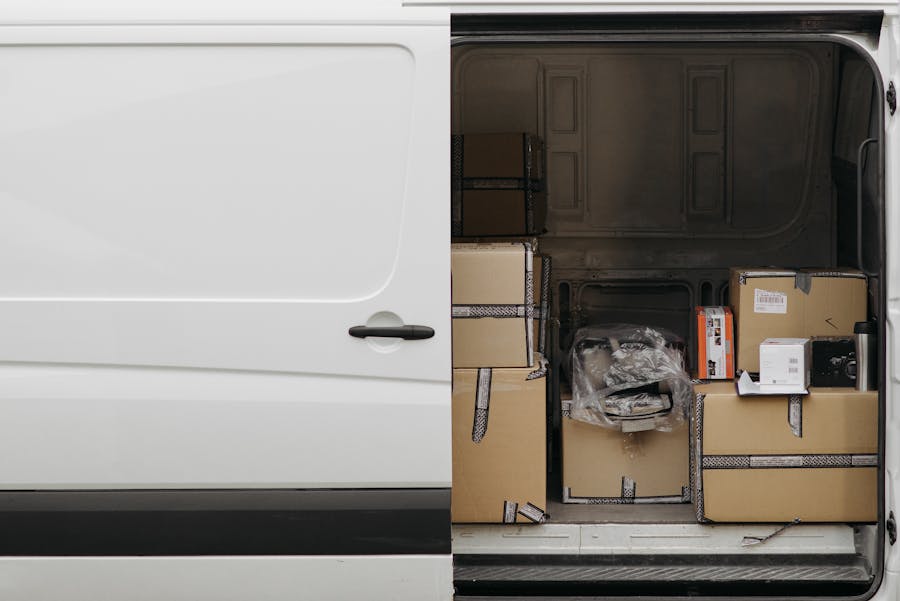
Orders are the same: the supplier unloads, the boxes sit in the back room and nobody knows whether anyone has counted them yet.
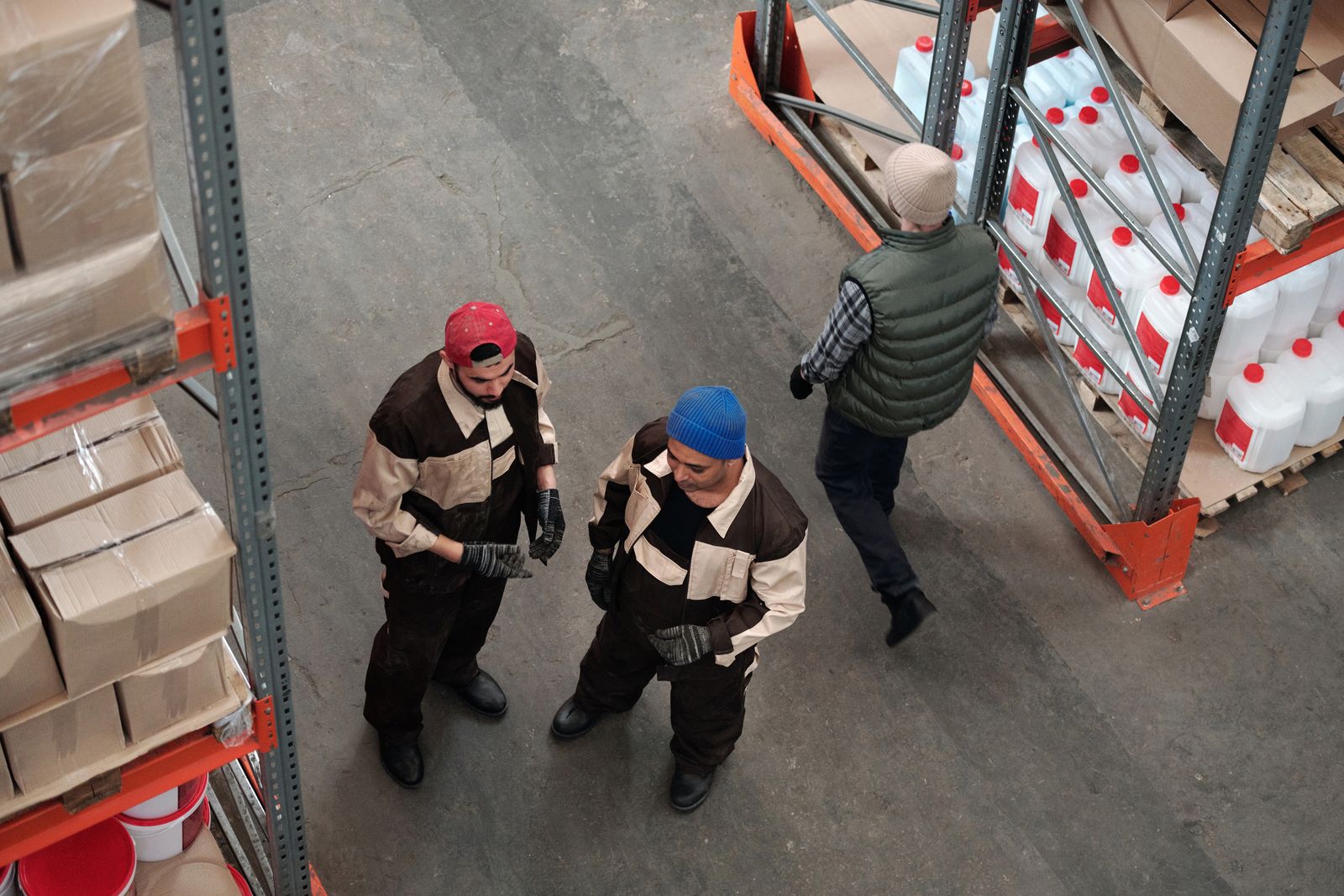
Half of restocking is finding out that something needs restocking.
What a gap costs
In Spain things aren't bad: shelves are well stocked most of the time and get restocked quickly. But every missing point is sales walking out the door, and a good share of them slip away exactly when the most customers come looking for something.
95.7%
average shelf availability in Spanish supermarkets
OSA Barometer, AECOC and NIQ (2026)
2.8 days
on average to restock a sold-out product in Spain
OSA Barometer, AECOC and NIQ (2026)
31%
of sales lost to stockouts are linked to promotions
OSA Barometer, AECOC and NIQ (2026)
What Pla Logistic does for you
Pla Logistic watches each location's stock and orders and creates tasks as soon as they're needed. Without anyone having to remember:
- Receive an order: when the supplier delivers, a task to count it is created
- Restock: when a product drops below its minimum in a zone, a task to bring it from where there's stock is created
- Recount: if the count doesn't match what was expected, a new count is requested
- Incidents: anyone on the team can open a task by hand for something that doesn't fit
Always to the right person
Each location decides who handles each kind of task. Pla Logistic assigns it on its own and lets that person know, so nobody has to hand out work manually or remember whose turn it was.
The whole team sees tasks instantly: when someone closes one, it disappears from everyone else's list without reloading.
How a task travels
Let's follow the life of a restock task, from start to finish:
- 11:02
The last bottles of water on the shelf are sold and the stock in that zone drops below its minimum.
- 11:02
At that very moment, Pla Logistic creates the task "Restock water 1.5 L", noting that there's stock in the back room.
- 11:03
The task is assigned automatically to the person in charge of restocking in that shop, and they get a notification.
- 11:15
That person takes the boxes from the back room, puts them out and closes the task. The stock moves between zones automatically.
- 11:15
The task disappears from the whole team's pending list and is kept in the week's history.
Telling people vs. automatic tasks
Telling people
- Someone has to spot the gap first
- The message goes by word of mouth (or WhatsApp)
- Nobody knows if it's done yet
Automatic tasks
- The task is created when stock drops below the minimum
- It goes straight to whoever has to do it
- Who did it and when is recorded
How to set it up
You don't have to build complicated rules. You just need to tell Pla Logistic two things:
- The minimums for each product in each zone: how much needs to be on the shelf at the very least so it doesn't look empty
- Who handles each type of task in each shop: receiving, restocking and recounting
Every task tells its story
Each task keeps who created it, who it was assigned to, what was done and when it was closed. Closed tasks show up in the week they were closed, so you can review how the week went at a glance.
Over time, that history tells you which products run out most often and where it's worth raising a minimum. That's the logistics of the future: data working for you instead of you working for it.
Questions about automatic tasks
Can I create tasks by hand?
Yes. As well as the automatic ones, anyone on the team can open an issue for something that doesn't fit: a broken product, a wrongly placed label, whatever.
How do I know I have a task?
You get a notification in the app, and the task appears in your list for the day.
Can I see what was done last week?
Yes. Closed tasks stay in the week they were closed, with who did them and when.
What if one product generates too many tasks?
It's usually a sign that its minimum or its maximum on the shelf is set too low. Raise them a bit and you'll see the number of tasks drop.